AI Assistant, AI Agent, or AI Automation: When Do You Choose What?
 Erwin Berkouwer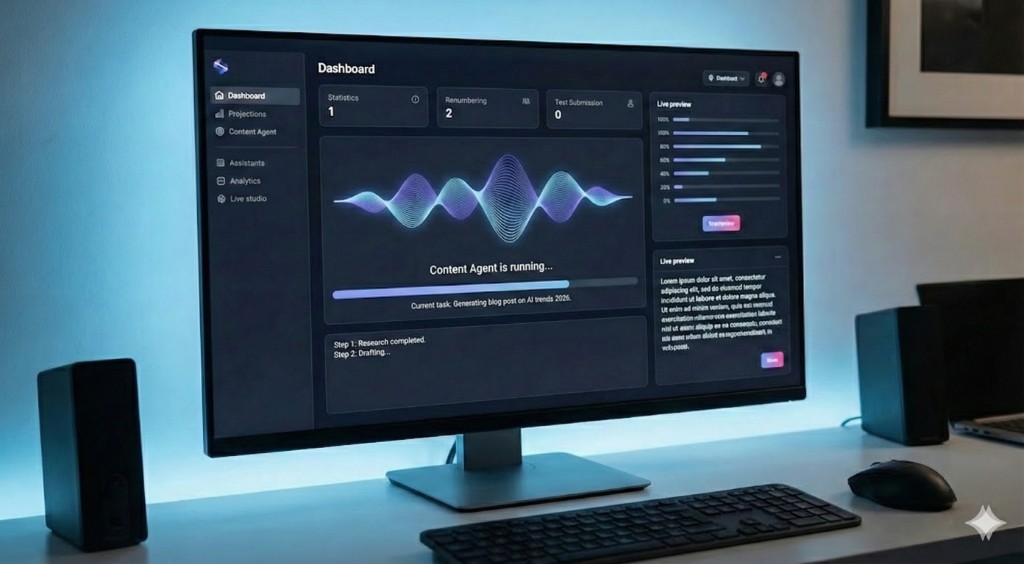
An AI assistant responds to your questions. An AI agent performs tasks independently. And AI automation processes your workflows without anyone needing to be involved. Three categories, three applications — but which one fits your situation as an SMB entrepreneur?
An AI assistant responds to your questions. An AI agent performs tasks independently. And AI automation processes your workflows without anyone needing to be involved. Three categories, three applications — but which one fits your situation as an SMB entrepreneur?
The Three Categories in One Sentence
Before you begin implementing AI, it's helpful to distinguish the three types:
- AI Assistant: a digital employee that responds when you ask it something — think of a smart chat window or writing helper.
- AI Agent: a system that independently picks up a task, executes multiple steps, and then delivers the result.
- AI Automation: a workflow that always follows the same path, completely in the background, without human input.
The difference isn't in the sophistication of the technology, but in who initiates the action and how much freedom the system has.
When You Deploy an AI Assistant
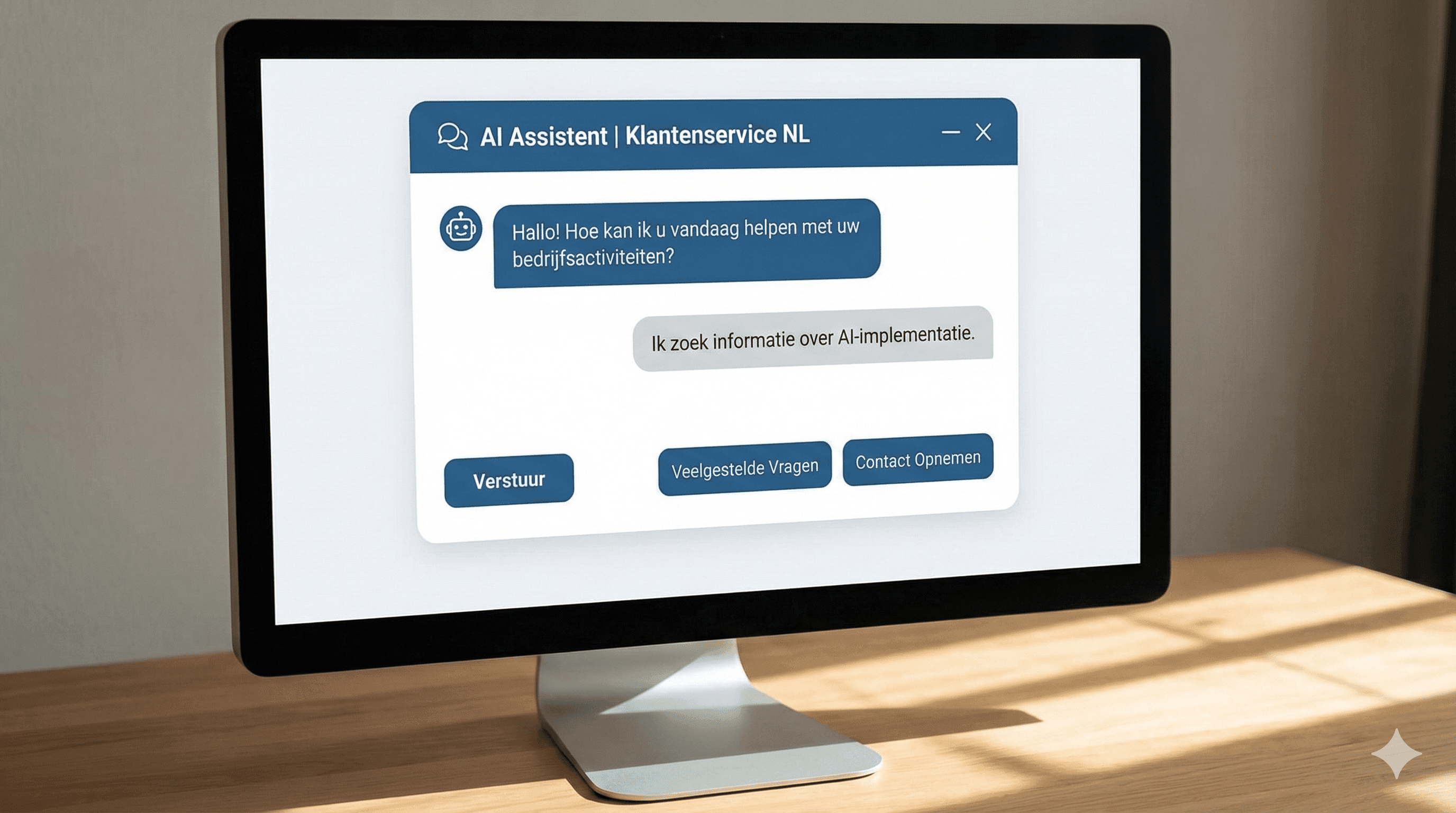
An AI assistant is reactive: the system waits until you ask it something and then provides an answer. That makes it the most recognizable form of AI for many entrepreneurs — think ChatGPT or a smart chat window on your website.
Typical situations:
- An employee asks the AI to rewrite a quote
- A customer asks your website a question about delivery times
- You dictate your schedule and ask the AI which appointments you could reschedule
Example: a transport company in Utrecht uses an AI assistant to quickly answer driver questions about regulations. The driver types a question, the AI searches the company documents, and immediately provides an answer in plain language — no more endless searches through manuals.
The difference from a search engine: an AI assistant understands the context of your question. Not just what you're asking, but also what you probably mean.
When is this the right choice?
- You have repetitive information requests, internal or from customers
- Employees frequently search through knowledge documents
- You want a low-barrier first step with AI
When You Deploy an AI Agent
An AI agent is proactive: you set a goal, and the agent determines which steps are needed to reach that goal. The agent can read emails, fill out forms, consult systems, and make decisions — without you approving every step.
Typical situations:
- An agent detects an incoming quote request, looks up customer data in the CRM, creates a draft quote, and sends it for the sales manager to review
- An agent monitors inventory, detects a shortage, and automatically places an order with the supplier — as soon as the threshold is reached
- An agent analyzes customer satisfaction scores each week and creates a brief report that lands in your inbox Monday morning
Example: an installation company in North Brabant has an AI agent process incoming service notifications. The agent reads the notification, schedules a technician based on availability and location, and sends the customer a confirmation. The owner doesn't have to do anything — unless there's an exception.
Teams save an average of 3 to 5 hours per week on these kinds of coordination tasks. The agent never stops, never forgets, and makes no scheduling mistakes due to fatigue.
When is this the right choice?
- You have processes with multiple steps currently handled manually
- Employees spend a lot of time on administrative handoff points
- You want AI that not only answers questions but also takes action
When You Deploy AI Automation
AI automation follows a fixed workflow — always the same path, same rules, same result. There's no creativity or context needed: once trigger X occurs, action Y happens.
Typical situations:
- Whenever a payment is received, an invoice is automatically archived and the customer receives a payment confirmation
- New leads from your website are automatically added to the CRM, assigned to the right sales employee, and sent a welcome email
- Every Friday afternoon a status report is generated from your project management software and emailed to the team
Example: an accounting firm in Rotterdam has completely automated the processing of bank statements. The system picks up the files, processes the bookkeeping, and flags outliers for manual review. Up to 40% less manual work — and no employee has to do anything about it, unless there's an exception.
When is this the right choice?
- You have stable, predictable processes with little variation
- You want speed and consistency, not flexibility
- You're looking for quick ROI with limited implementation time
Decision Tree: Which One Do You Choose for Your Situation?
Use these questions to determine which type best fits your situation:
1. Who initiates the action?
- A person asks a question → AI Assistant
- A trigger in your system (email, notification, time) → go to question 2
2. Is the task always the same?
- Yes, always identical → AI Automation
- No, varying or context-dependent → go to question 3
3. Are there multiple steps or varying outcomes?
- Yes → AI Agent
- No, one step, fixed result → AI Automation
| Situation | Best Choice |
|---|---|
| Employees ask repetitive questions | AI Assistant |
| Automatically answer and follow up on customer emails | AI Agent |
| Archive invoices after payment | AI Automation |
| Create quotes based on customer data | AI Agent |
| Send reports every week | AI Automation |
| Make knowledge documents searchable for your team | AI Assistant |
Frequently Asked Questions
What's the difference between an AI agent and an AI assistant?
An AI assistant waits for you to ask a question and then provides an answer. An AI agent acts independently: it takes initiative, performs multiple steps, and delivers a result — without you having to approve each action. An agent does, an assistant helps.
Can I start with AI automation without technical knowledge?
Yes. Many automation tools are designed for non-technical users. You set rules via a visual interface: "if invoice arrives → send to accounting software". No code, just a one-time setup time of a few hours to a day.
Which type of AI delivers returns fastest for an SMB?
AI automation has the shortest payback period: you automate an existing, stable process and save time immediately. AI agents deliver more value in complex processes, but require longer implementation. Start with automation for quick wins — then expand to agents when you're ready for the next step.