5 AI Tasks You Can Automate This Week (No Technical Knowledge)
 Erwin Berkouwer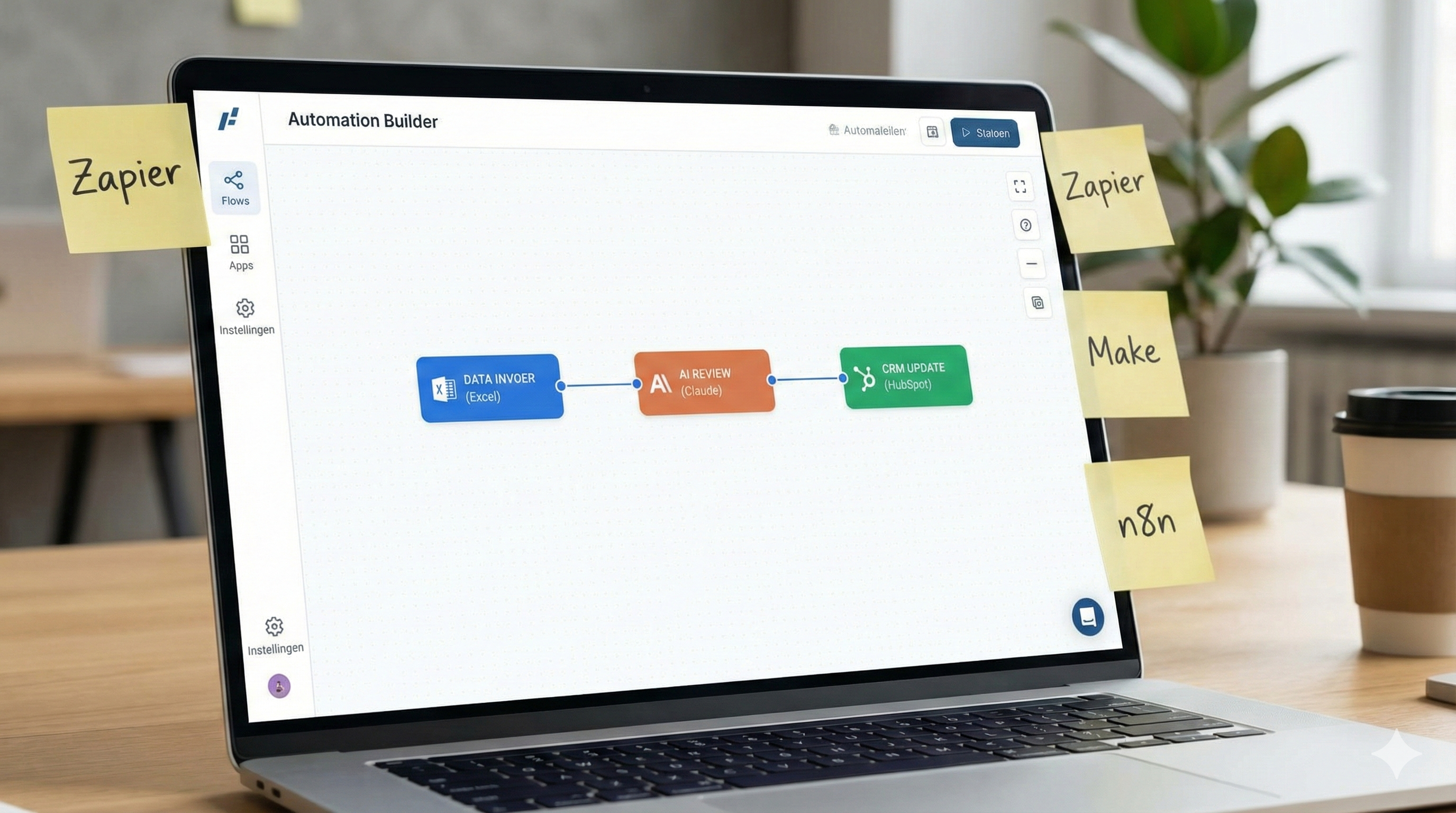
Want to start with AI but don't know which task to tackle first? 5 concrete AI tasks for freelancers — directly applicable, no technical knowledge needed.
As a freelancer or small business owner, you hear it everywhere: AI will change your work. But which task do you tackle first? And how do you do that without technical background? Here are 5 concrete tasks you can automate right away — using free or affordable tools.
Why Start with AI Automation Right Now?
You don't have to do everything at once. The smart thing about AI automation is that you can start small: one task, one tool, one hour saved per week. Multiply that over a year and you've reclaimed weeks.
Today's tools are built for people without technical knowledge. You work with buttons, templates, and plain sentences — no code, no complicated settings. You only need an idea of which task you want to tackle.
The 5 AI Tasks You Tackle This Week
1. Write Email Drafts
Tool: ChatGPT or Claude
Time Saved: 2-3 hours per week
How It Works: You type a few keywords ("thank you, confirm appointment, quote request from Jan") and AI writes the complete, professional email — you just need to read it and send it.
Writing emails costs most entrepreneurs unnecessary time. With AI you work faster, more consistently, and with less mental energy.
2. Create Social Media Posts
Tool: ChatGPT, Claude, or Canva AI
Time Saved: 3-4 hours per week
How It Works: You give the AI your core message, target audience, and tone ("informal, for small business owners") and AI generates ready-made posts for LinkedIn, Instagram, or Facebook.
Want to take this further? Check out our use case on AI Content Creation & Social Media for a complete approach.
3. Generate Quote Text
Tool: Claude or ChatGPT (via Make or directly)
Time Saved: 2-3 hours per week
How It Works: You fill in customer information (name, assignment, budget) and AI puts together a complete, professional quote text — including introduction, approach, and price overview.
This is also fully automatable via a form. Learn how in our use case on AI Quote Automation.
4. Automatically Answer Customer Questions
Tool: AI Chatbot (via Tidio, Intercom AI, or your own assistant)
Time Saved: 5+ hours per week
How It Works: You train an AI assistant with your frequently asked questions. The AI then automatically answers customer questions on your website or via email — 24/7, without you having to do anything.
Check our use case on AI Customer Service for a step-by-step explanation.
5. Summarize Meetings and Create Action Points
Tool: Otter.ai, Fireflies, or Notion AI
Time Saved: 1-2 hours per week
How It Works: The AI listens during your online meeting and afterward automatically delivers a summary and action points — so you never have to think again about what was agreed.
How to Start Without Technical Knowledge?
Pick one task from the list above — preferably the task that costs you the most time right now. Create a free account with ChatGPT or Claude and try it for a week.
You don't need to build workflows, create integrations, or write code. Plain language is enough.
Want to take the next step and truly automate tasks — so they run without you? Then tools like Make, Zapier, or n8n help you connect systems. Check out our services page for tailored guidance.
When Is This Relevant for You?
This is interesting for you if:
- You regularly write the same kind of emails, posts, or documents
- You receive customer questions you answer repeatedly
- You struggle to keep track of action points after meetings
- You want to grow without immediately hiring an employee
When is this (not yet) relevant? If your work is completely customized and contains no repetitive tasks, AI automation won't deliver short-term value. But for most freelancers: there's always at least one task you can automate.
Frequently Asked Questions
Do I need technical knowledge to get started?
No. Tools like ChatGPT and Claude work with plain language. You type what you want, and the AI does the rest. No code, no complicated settings.
Are these AI tools free?
Many tools offer a free version where you can get started right away. ChatGPT has a free version; for intensive use you pay about 20 euros per month. You'll easily earn that back with the time savings.
How sure am I that the AI output is correct?
AI sometimes makes mistakes or picks the wrong tone. Always read through before you send something. After a few times you'll know exactly how to get the best output.
Can I also have these tasks run automatically — without manually starting them?
Yes, with tools like Make or Zapier you can build workflows that start automatically when you receive a form or email arrives. That's the next step after basic automation.
How much time does it take to set this up?
Most tasks take 15 to 30 minutes to set up. The setup takes one-time effort, but afterward you save hours every week.