Zapier or custom integration: which fits your business?
 Erwin Berkouwer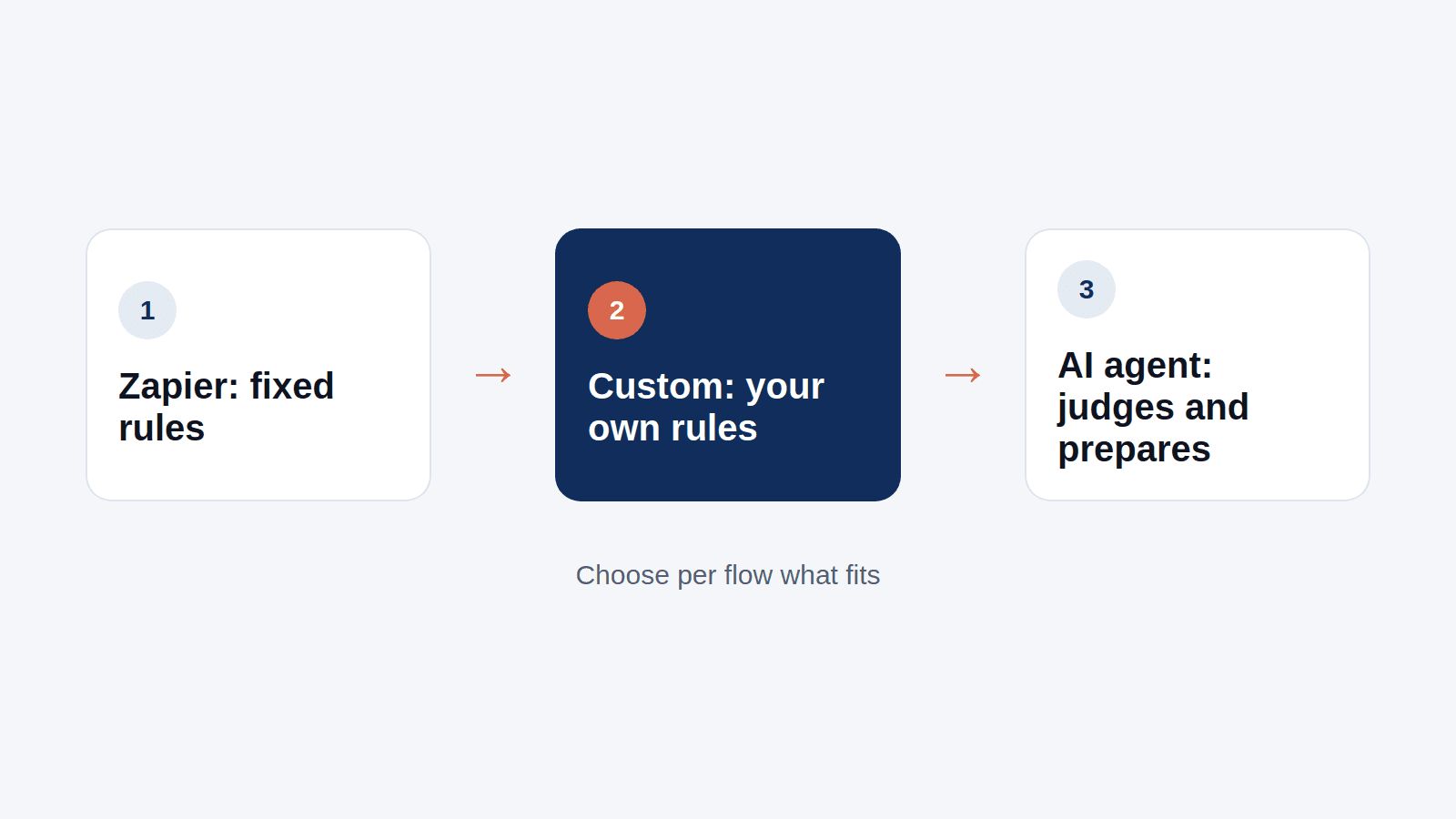
Anyone who wants to connect two packages soon ends up at Zapier or Make. No coding, a few clicks and it runs. For many businesses that is exactly right. But there comes a moment when it pinches. Then the question is: more zaps, custom work, or an AI agent?
What Zapier and Make do well
Zapier and Make work with fixed rules: when something happens in package A, do something in package B. A new form becomes a contact in your CRM. A paid order becomes a row in a spreadsheet. That is quick to set up and reliable for simple flows.
Where it pinches
- Cost per task. You pay per step run. With many orders or invoices a month that adds up, and the entry-level tools are no longer as cheap as they seemed.
- Exceptions. A fixed rule does not know what to do with a customer name spelled differently, a missing VAT number or an invoice in another format. Then it goes wrong, or the flow stops.
- Overview. After twenty zaps nobody knows exactly what happens where. Finding an error then takes hours.
- Dutch packages. Not every Dutch package has a full connector on those platforms. For some accounting or ERP packages you need custom work anyway.
Custom work on your packages' own connections
Almost every business package has an official connection, an API. A developer builds exactly the flow you want on top, with your own rules. That is flexible and you do not pay per task. The downside: it needs maintenance when a package changes, and every new exception needs more coding.
An AI agent in between
An AI agent uses the same official connections, but does not only work with fixed rules. It reads what comes in, judges it and prepares it:
- it can still read an invoice in an unfamiliar format;
- it recognises a customer spelled slightly differently as an existing relation;
- it prepares a doubtful case for a person instead of pushing it through wrong.
A person approves what matters. What the agent may later push through on its own, you agree together.
Which fits you?
| Situation | Best choice |
|---|---|
| A few simple flows, low volume | Zapier or Make |
| Fixed flow with high volume, data always clean | Custom work |
| Data that often deviates, judgement needed | AI agent |
| A Dutch package without a full Zapier connector | Custom work or AI agent |
You do not have to choose for everything at once. Many businesses keep their simple zaps and put an agent on the one flow that keeps going wrong.
What does an AI agent cost?
Your first AI agent costs €750 fixed, with at most two connections, and is live within two weeks of the intake. Hosting and maintenance is from €50 per month per agent. The packages we already connect are on integrations. Not sure which flow to tackle first? The UnifyAI Agent lists it in a few minutes.
Sources
- Zapier pricing, Zapier
- Make pricing, Make
Frequently asked questions
Short, clear answers so you can decide faster.
Is Zapier suitable for a small business?
For a few simple flows with low volume, yes. With many tasks a month, deviating data or a Dutch package without a full connector you often hit its limits.
What is the difference between Zapier and an AI agent?
Zapier follows fixed rules. An AI agent uses the same connections, but can judge, complete and prepare doubtful cases for a person.
Are there alternatives to Zapier for Dutch accounting packages?
Yes: Make, custom work on the package's official connection or an AI agent. Which fits depends on the volume and how clean the data is.
What does a connection with an AI agent cost?
Your first AI agent with at most two connections costs €750 fixed. Hosting and maintenance is from €50 per month per agent.