Building Your Own AI Agent: How to Approach It
 Erwin Berkouwer
You can build an AI agent in three ways: have it coded, use a no-code tool or go through a managed platform. Which route fits depends on your technical knowledge, your budget and how critical the process is to your business. This article explains what an agent is, what each route realistically costs and where it often goes wrong.
What is an AI agent, in plain language?
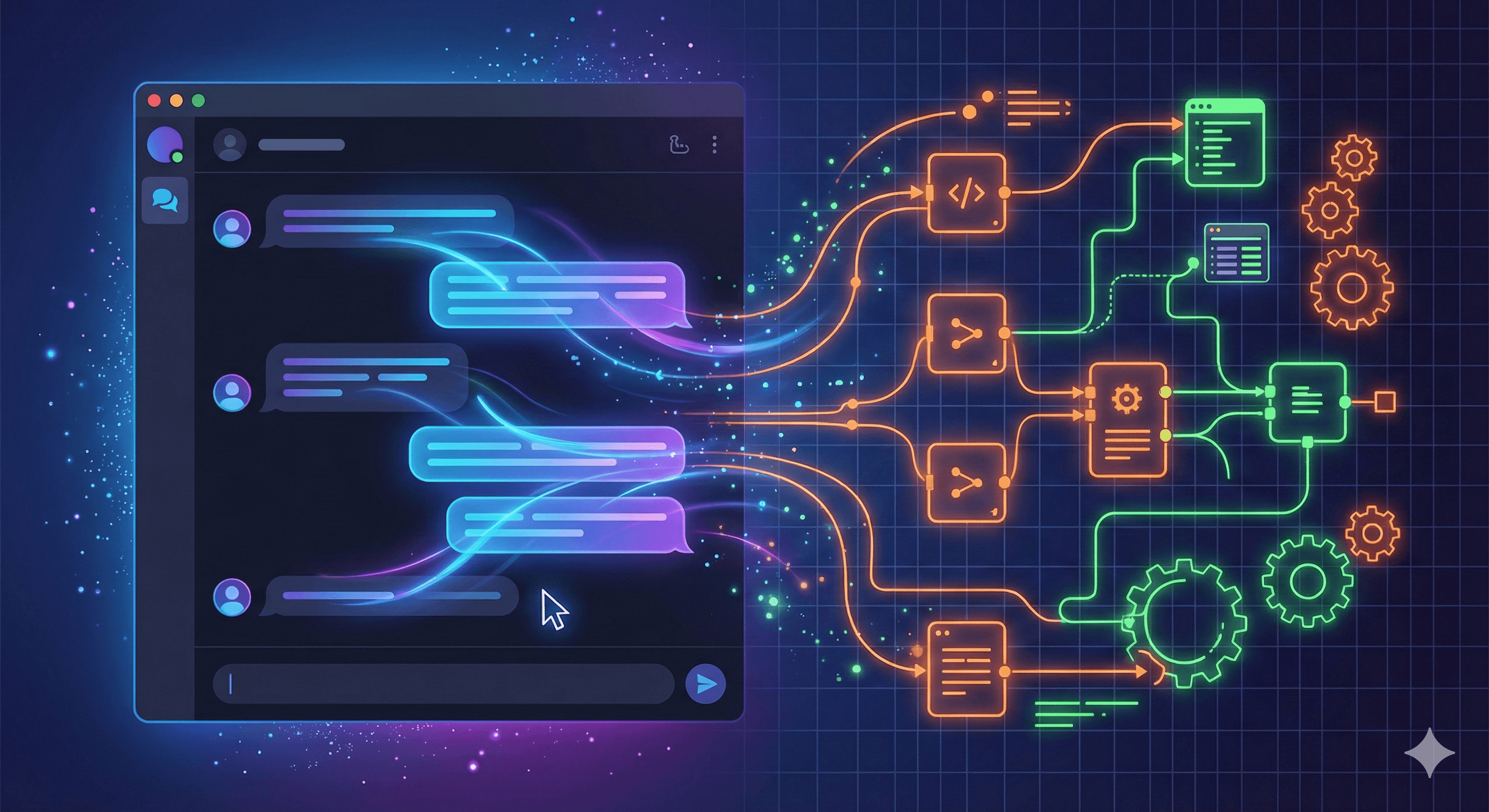
A chatbot answers what you type. An AI agent does more: it fetches information on its own, makes decisions and carries out actions, without you having to be there.
Say a customer asks through your website whether a product is in stock. A chatbot says: "Please contact our team." An AI agent checks your stock system, sees the product is available again next week and automatically sends the customer a confirmation with the delivery time.
Every AI agent has four parts:
| Part | What it does |
|---|---|
| Brain (language model) | Understands the question, plans what needs to happen |
| Memory | Remembers the context of the conversation and earlier interactions |
| Tools | Connections to your systems: CRM, email, calendar, database |
| Task logic | The instructions that decide how the agent behaves |
You don't need to know how this works technically. What you do need to know: without those four parts it's not an agent, it's a chatbot with extra steps.
What are the three ways to build an AI agent?
Option 1: code it yourself
You hire a developer or put your own IT team to work. They build a custom agent, connected to all your systems.
What it costs: roughly €15,000 to €60,000 in development time (4 to 16 weeks), plus ongoing maintenance.
What goes wrong: the demo works, production is another story. Without monitoring you don't know when the agent makes mistakes. Maintenance takes more time than expected. And who looks after it when the developer is gone?
Honestly: building it yourself makes sense if you want to automate a unique, business-critical process that fits nowhere else. For standard processes it's overkill.
Option 2: a no-code platform
With tools like OpenAI's GPT Builder or Microsoft Copilot Studio, you configure an agent yourself, without code. You upload documents, give instructions and you're live.
What it costs: roughly €20 to €100 a month for the licence. Setup time: 1 to 2 weeks.
What goes wrong: limited connections to your own systems and little control over how the model handles your data. For serious business processes it often falls short, and your data may sit with a US company.
Option 3: a managed AI platform
On this route, a partner builds, connects and runs the agent on a platform for you. That is how UnifyAI works: AI agents run on the AgentWorks platform and are connected to your existing systems through integrations. A network of independent specialists builds them under one brand.
What it costs: your first AI agent is € 750 fixed, with up to two connections, live within 2 weeks after the intake. A larger AI agent project starts from € 750, with connections priced individually in the quote. Hosting and maintenance from € 50 per month per agent. All excluding VAT.
What you gain: you don't need your own developer, you set down the agreements on data handling in a data processing agreement, and someone looks after it when something isn't right.
Which route fits you?
| | Build it yourself | No-code tool | Managed platform |
|--|-------------|--------------|------------------|
| Technical knowledge needed | Yes (developer) | No | No |
| Setup time | 4 to 16 weeks | 1 to 2 weeks | 2 to 4 weeks |
| Start-up cost | €15,000 to €60,000 | €0 to €500 | from € 750 |
| Ongoing cost | Developer maintenance | €20 to €100 a month | from € 50 a month per agent |
| Connection to your own systems | Fully custom | Limited | Extensive |
| GDPR and data handling | Your own responsibility | Often outside the EU | Set down in a data processing agreement |
What goes wrong if you underestimate it?
These are the four most common mistakes.
1. The demo trap. An agent that works well in a test fails in production. Real customers ask questions in ways you didn't think of. Without monitoring you only notice when a customer complains.
2. No integration with your processes. An agent that gives answers but does nothing with your CRM, your calendar or your stock system is an expensive chatbot. The value is in the actions, not the answers.
3. Underestimated compliance. Using customer data in your AI agent? Then the GDPR (AVG) applies, and possibly the EU AI Act. A mistake here costs not only fines but also customer trust.
4. No owner. Who is responsible when the agent does something wrong? Sort that out before you go live, internally and contractually with your supplier.
Most companies that fail with AI agents don't fail on technology. They fail on ownership, monitoring and integration.
What does an AI agent deliver?
The return varies a lot per process and depends on how often the task comes up and how well your data is in order. The gain usually sits in a few places:
- Time saved on repetitive tasks such as standard questions, quotes and lead qualification.
- Faster response: answers within seconds instead of hours, also outside office hours.
- Scalability: handle more requests with the same team.
So work out your payback time based on the work the agent takes over, not only on the licence costs. Want to know which processes suit best? Start with a first AI agent.
Frequently asked questions
Do I need to be able to code to build an AI agent?
Not if you choose a no-code platform or a managed service. You do if you build it all yourself. For most SMBs, coding it yourself isn't the best choice for standard processes: the costs and risks are high.
Is my business data safe with an AI agent?
That depends on the provider. If you store data with a party outside the EU, that is a point of attention under the GDPR (AVG). Always check where your data sits and set down agreements in a data processing agreement before you go live.
Can an AI agent make mistakes?
Yes. Any language model can generate wrong information. That is why human escalation matters: the agent handles standard questions and passes complex or doubtful situations to an employee.
What is a logical next step?
You don't have to choose between building it yourself and a platform right away. Start with one process that comes up often and has clear rules. Run an AI scan to see which process suits an agent, or book an introduction to talk through your situation.
Frequently asked questions
Short, clear answers so you can decide faster.
Do I need to be able to code to build an AI agent?
Not if you choose a no-code platform or a managed service. You only need a developer if you build it all yourself. For most SMBs, coding it yourself isn't the best choice for standard processes, because the costs and risks are high.
What does an AI agent cost per month?
No-code tools start at roughly €20 to €100 a month but have limitations. A managed platform costs more and also delivers more: connections, monitoring and someone who looks after it. Work out your payback time based on the work the agent takes over, not only on the licence costs.
Is my business data safe with an AI agent?
That depends on the provider. If data sits with a party outside the EU, that is a point of attention under the GDPR (AVG). Check where your data sits and set down agreements in a data processing agreement before you go live.
How long before an AI agent is live?
With no-code tools roughly 1 to 2 weeks for simple uses. Building it yourself takes 4 to 16 weeks, depending on complexity. With a managed platform it depends on the process and the number of connections.
Can an AI agent make mistakes?
Yes. Any language model can generate wrong information. That is why human escalation matters: the agent handles standard questions and passes complex or doubtful situations to an employee.