
Prompt engineering: how to write prompts that work
 Erwin Berkouwer
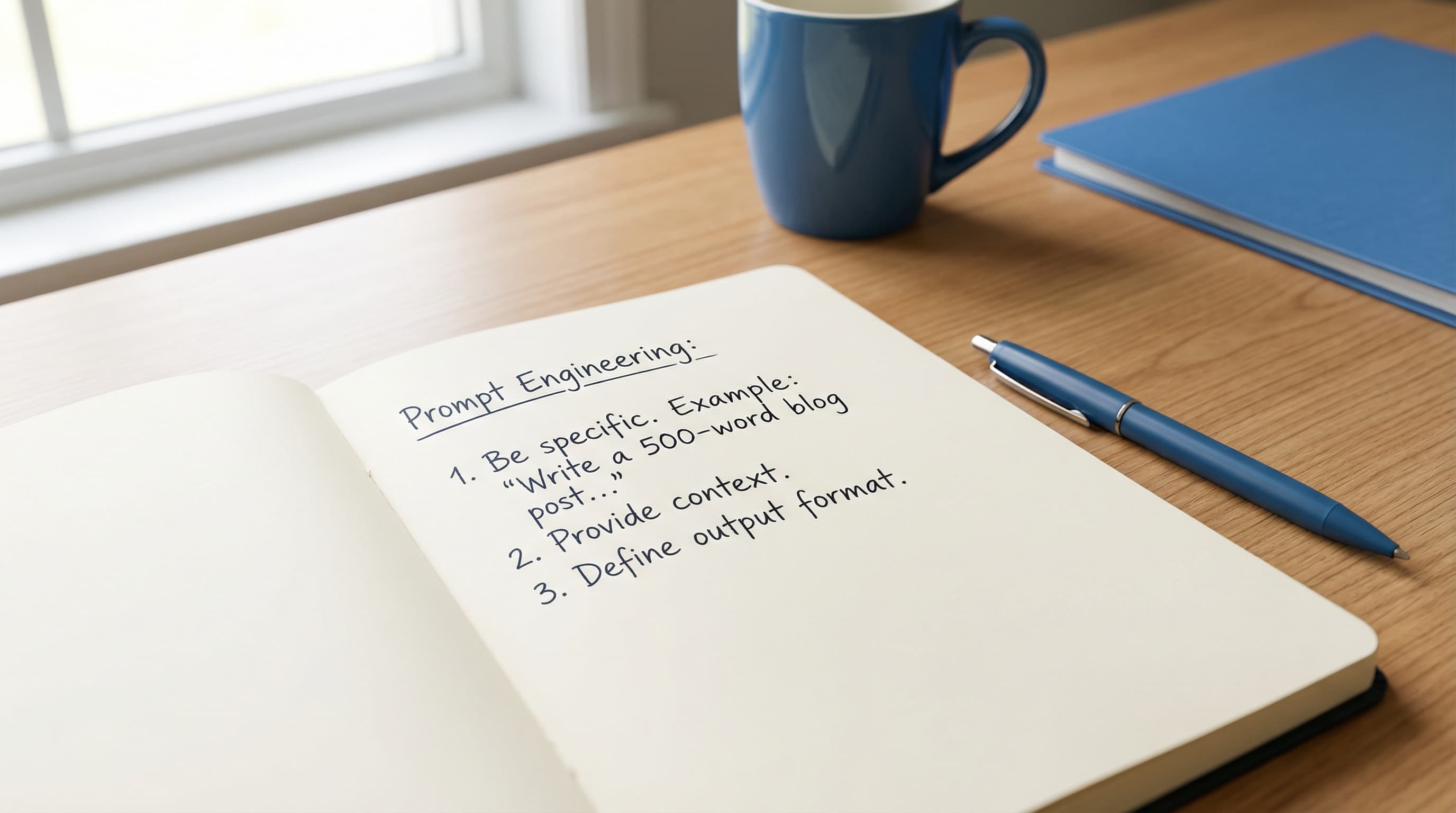
Prompt engineering is writing an instruction to an AI tool so that you get a usable result straight away. A good prompt has five building blocks: role, context, task, examples and format. Use them and you steer less and get more out of tools like ChatGPT, Claude or Copilot. Below you'll see how it works, with templates per department and a way to roll it out across your team.
What is prompt engineering?
A prompt is the instruction you give an AI tool. Prompt engineering is the skill of wording that instruction so the AI understands exactly what you want.
Think of a briefing for a new colleague. Say "write something about our product" and you get something vague. Say "write a 150-word LinkedIn post for logistics directors, focused on our delivery speed, ending with a question" and you get something you can publish.
AI responds literally to what you give it. The more specific your prompt, the better the result. If it still goes wrong, read why ChatGPT gives you bad answers.
Why does a good prompt matter for your business?
You're already paying for the AI tools. Prompt engineering decides how much you actually get out of them. With a vague instruction you get something that's almost right, you steer, try again, and after a few rounds you have something usable. Those repeat rounds cost time, and across a whole team it adds up.
With a clear prompt the first version is usable more often. Shared templates also stop every colleague from inventing their own approach.
What are the 5 building blocks of an effective prompt?
Every good prompt contains five elements. You don't always need all of them, but the more you include, the better the result.
| Building block | What it does | Example |
|---|---|---|
| Role | Gives the AI a perspective | "You're an experienced B2B copywriter" |
| Context | Narrows the playing field | "For a Dutch SMB in healthcare" |
| Task | Says what the result should be | "Write a 200-word email" |
| Examples | Shows what good looks like | "In the style of this passage: [example]" |
| Format | Structures the output | "Use bullets, no jargon, end with a call to action" |
Bad prompt versus good prompt
Bad:
"Write a newsletter about our new service."
Good:
"You're a B2B copywriter. Write a 300-word newsletter for directors of transport companies with 50 to 200 employees. Subject: our new planning automation, which cuts down manual scheduling. Tone: businesslike but direct. Structure: problem, solution, result, call to action for a demo."
The second example gives you text you can use. The first mostly gives you work.
Which prompt templates can you use per department?
Marketing and content
Template for a blog intro:
"You're a content strategist writing for [audience]. Write a 3-sentence intro for a blog about [topic]. Start with a problem the reader recognises. Don't open with a question."
Benefit: a consistent tone across all writers and fewer revision rounds.
HR and recruitment
Template for a job ad:
"Write a job ad for a [role] at [company name]. Company culture: [description]. Must-haves: [list]. Tone: human and direct, no corporate language. Maximum 350 words. End with a concrete next step for applying."
Benefit: job ads that are done sooner and fit your company culture. Don't enter candidates' personal data here, see AI and GDPR.
Finance and reporting
Template for a summary:
"Analyse the following sales data and give an overview in three bullets: what went well, what needs attention and one concrete recommendation. Write for a director who has five minutes. [insert data]"
Benefit: a management summary in seconds. Always check the figures yourself.
Customer service
Template for replying to a customer question:
"You answer questions on behalf of [company name]. Tone: helpful, professional, not formal. Write a reply to the following customer question: [question]. Use four sentences at most. Finish with a concrete next step."
Benefit: a consistent tone and faster drafts. For sensitive questions, have a colleague read along.
How do you roll out prompt templates across your team?
Prompt engineering works best when the whole team does it. One good prompt that everyone uses beats ten people each using their own approach.
- List the five tasks where you use AI most often, such as emails, summaries, content, analyses and reports.
- Write a template per task with the five building blocks.
- Test with three colleagues and adjust based on their feedback.
- Document the templates in a shared file, for example in Notion, SharePoint or Google Docs.
- Review every month. Good prompts grow with your business.
Tip: add a "never" rule to every template, such as "never use industry jargon" or "never start with 'I' or 'We'". That heads off the most common irritations in one sentence.
What's the step from prompt to AI agent?
A good prompt improves how you use AI. An AI agent, driven by a series of prompts, automates a process from start to finish.
Say you write a summary of customer service tickets by hand every week. With an AI agent you set up once which prompts are used, which data is pulled in and what format the result has. After that the process runs automatically, with a person checking the outcome.
At UnifyAI we build agents like that for SMBs, connected to your existing systems. Read more about AI implementation, or start with your first AI agent.
Frequently asked questions
Do I need to learn prompt engineering, or is there software for it?
Prompt engineering is a skill, not software. Tools like ChatGPT, Claude and Copilot respond better to better prompts on any platform. You learn the basics in an afternoon, and putting them into templates takes a bit longer after that.
Does prompt engineering also work for AI agents and automated processes?
Yes. AI agents are largely built on prompts. The better the underlying instructions, the more reliably the agent works. Bad prompts in an agent give you errors at scale, good prompts give you reliable automation.
How long does it take to make prompt templates for my team?
That depends on the size of your team and the number of tasks. A first set of templates for the five most repeated tasks usually takes half a working day, including a short test with colleagues.
Do I need to be technical to write prompts?
No. Prompt engineering is a communication skill. If you can write a clear work brief for a colleague, you can write a good prompt.
What do you do now?
Pick one recurring task where you or your team use AI and write a template for it using the five building blocks from this article. Want help with prompt templates or with automating processes using AI agents? Book an intro call.
Frequently asked questions
Short, clear answers so you can decide faster.
What is prompt engineering in plain terms?
Prompt engineering is wording an instruction to an AI so that you get a usable result straight away. The more specific your prompt, the less steering you need.
Do I need to be technical to write prompts?
No. Prompt engineering is a communication skill. If you can write a clear work brief for a colleague, you can write a good prompt.
Does prompt engineering also work for AI agents and automation?
Yes. AI agents are largely built on prompts. Good prompts give you more reliable automation, bad prompts give you errors at scale.
How do I roll out prompt templates in my team?
Start with the five tasks where you use AI most often. Write a template per task with role, context, task, examples and format, test with three colleagues, adjust and keep them in a shared file.