Handling a shared mailbox automatically: how an AI agent works on info@
 Erwin Berkouwer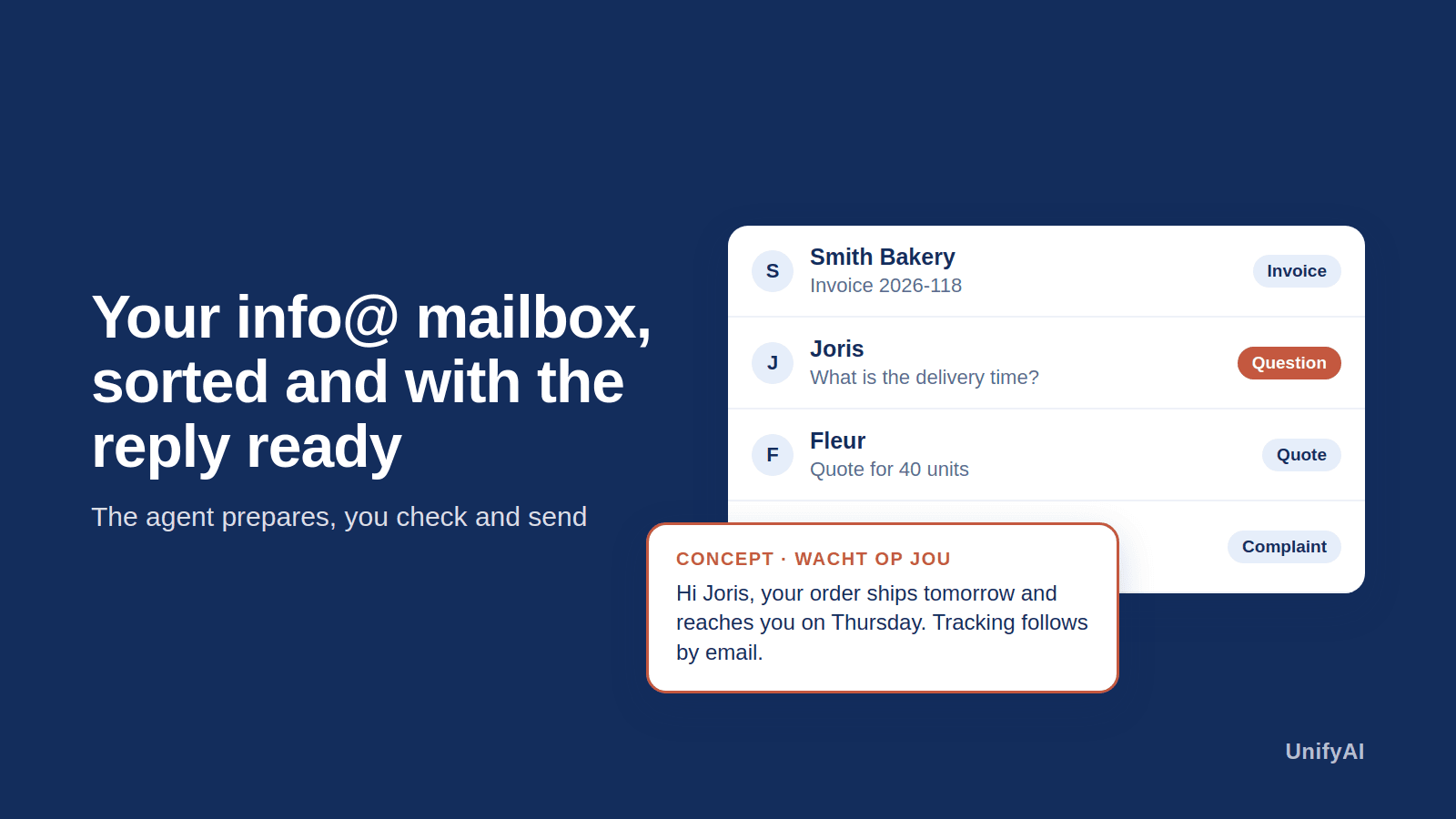
What does an agent do on a shared mailbox?
An info@ or service@ mailbox is usually a mix: customer questions, invoices, quote requests, newsletters and spam. Someone reads it all, sorts it and answers the questions that keep coming back. An agent takes over that groundwork:
- Sort. Every email gets a label: question, complaint, invoice, quote request or other.
- Summarise. At the top, two sentences say what the email is about and what the sender wants.
- Draft reply. For a question it recognises it prepares an answer, in your tone and with information from your own sources.
- Pass on. An invoice in the attachment goes to Exact Online or AFAS, a quote request to the right colleague.
The core rule: the agent prepares, you check. No email goes to a customer without someone pressing send.
What does a day look like?
At half past eight there are forty new emails. Twelve are a question the agent knows: there is a draft under each. You read them, adjust two and send them. Six invoices are already waiting as booking proposals. Three complaints are at the top with a summary. The rest is labelled and can wait. What used to take a morning is now half an hour of checking.
What access does the agent need?
In Outlook and Microsoft 365 the agent gets access only to the mailboxes you point out: read email, save a draft and set labels. Sending is not part of it. Your IT sees and manages that access and can always revoke it.
When does it pay off?
- with more than a few dozen emails a day in one shared mailbox;
- when a large share of the questions keeps coming back (delivery time, order status, asking for an invoice);
- when there are attachments that are now forwarded by hand.
With a quiet mailbox of mostly unique questions the gain is small. We say so too.
What does it cost?
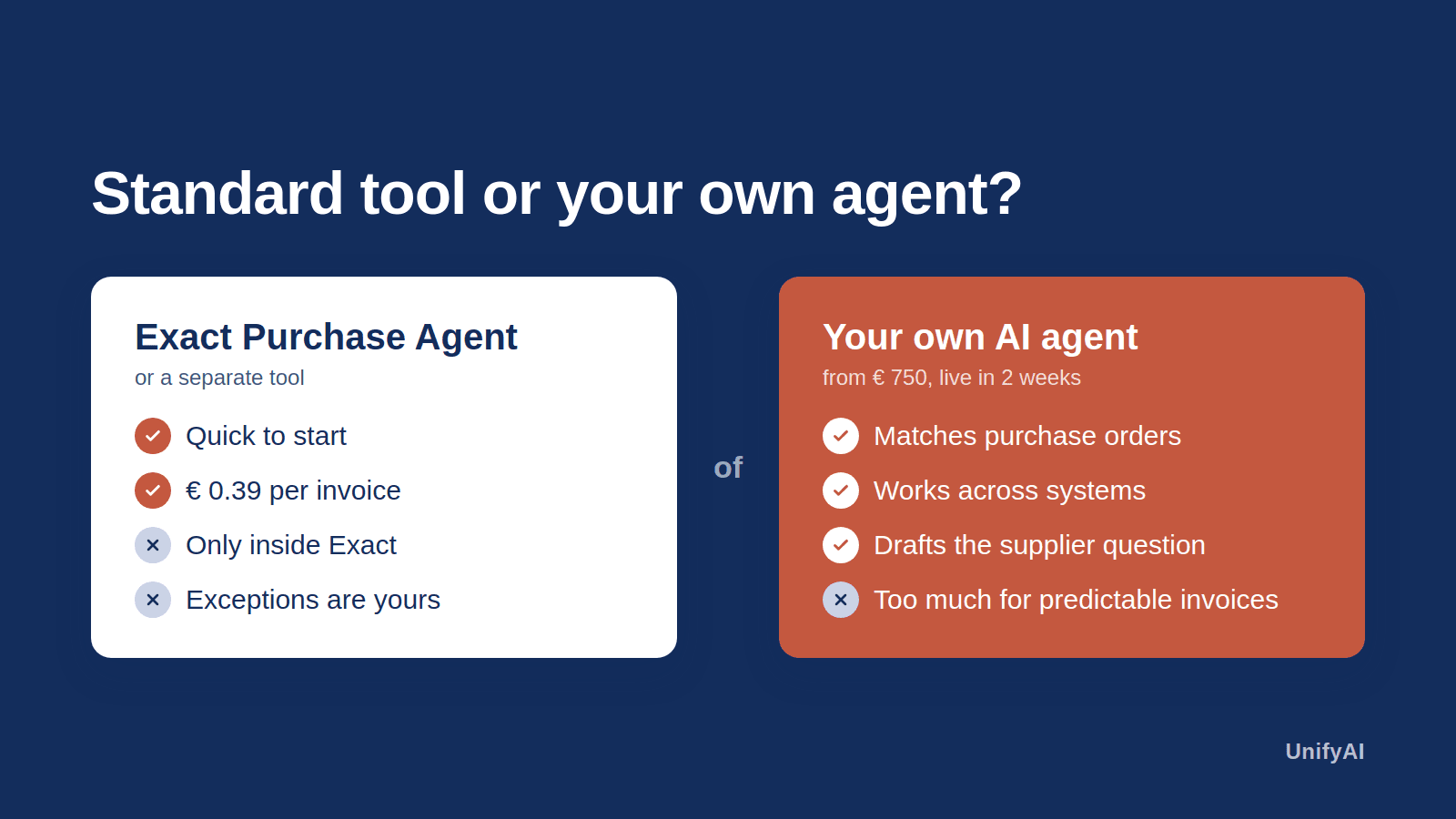
We build a first agent from € 750 and it is live within two weeks. After that you pay a fixed monthly amount for hosting and maintenance. Work out your own situation with the payback calculator or read how we approach it in AI customer service and an agent on Outlook.
Frequently asked questions
Short, clear answers so you can decide faster.
Does the agent send emails itself?
No. It prepares a draft and you send it.
Does it work with Outlook and Microsoft 365?
Yes. The agent works on the mailboxes you point out, with the rights you give it.
What happens to attachments?
An invoice goes to Exact Online or AFAS as a booking proposal; other attachments stay with the email.
How does the agent learn our tone?
From your own earlier replies and the standard information you provide. In the first weeks you check everything and we fine-tune.
How fast is it live?
A first agent is live within two weeks.