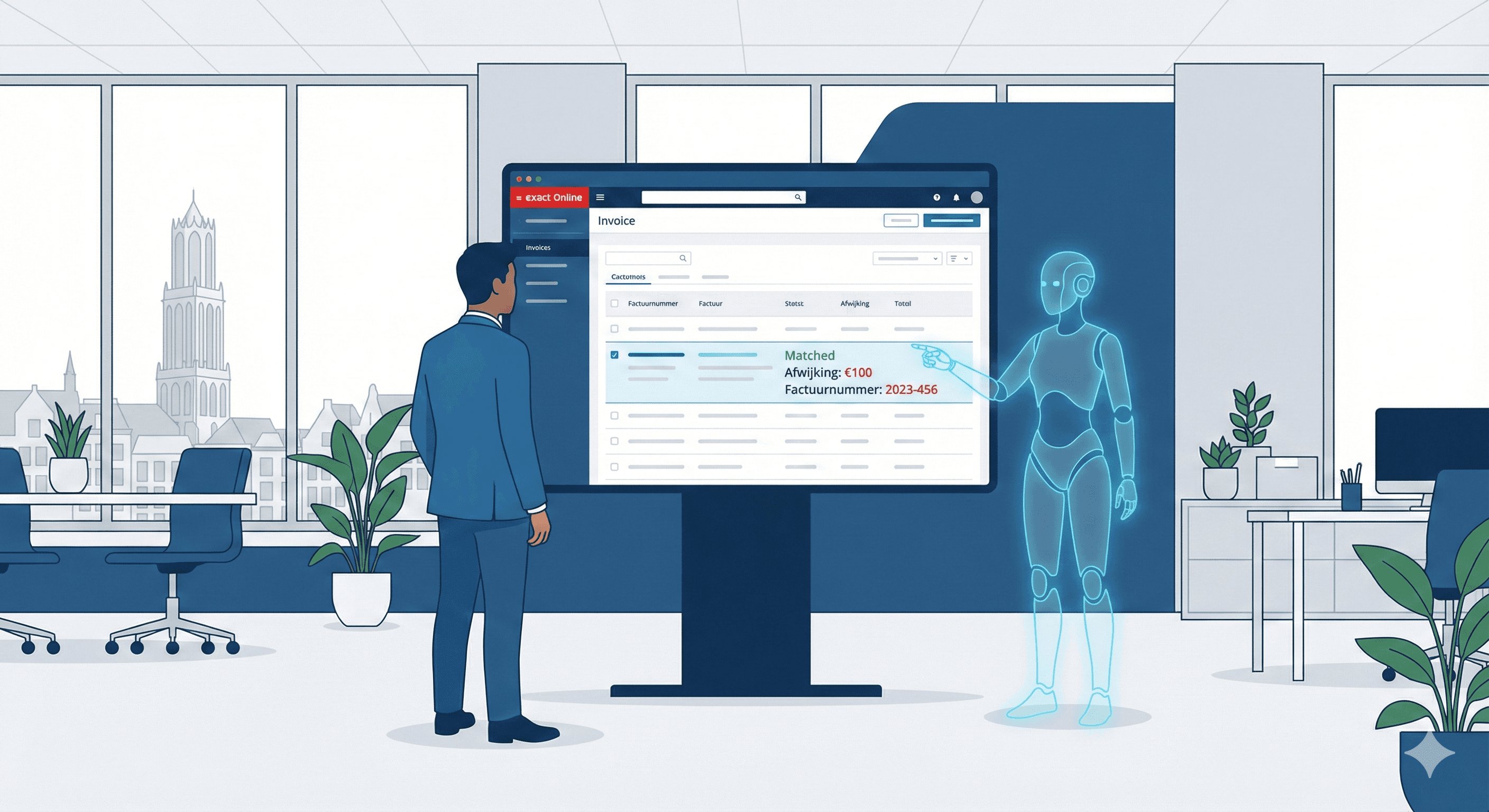
Stop retyping data from PDFs: here's how to automate it
 Erwin Berkouwer

You can automate retyping data from PDFs with an AI agent that reads the document, understands it and puts the data straight into your accounting or ERP system. A person then only has to check the exceptions. This article shows what manual retyping costs, how such an agent works and how to get started.
It's Tuesday morning. Someone in the back office opens yet another PDF invoice, reads the IBAN, types in the amount, checks the VAT number, books the invoice in Exact and picks up the next one. Twenty, thirty, forty times a day. Each one feels like a quick job between other things. Added up over a year, a lot of capacity disappears into a dull, error-prone task that machines do better than people.
What does manual retyping really cost?
The time is often underestimated. An administrative employee handles roughly 20 to 40 documents a day, and per document 3 to 8 minutes easily go into retyping, checking and correcting. That's roughly 30 to 60 minutes a day of pure typing.
A calculation for one employee, with assumptions: an hour a day, around 220 working days and a loaded hourly cost of €35 to €45. That comes to well over €8,000 per FTE per year, for retyping alone. Underneath sit costs that are easy to miss:
| Hidden cost | What it means |
|---|---|
| Staff costs for data entry | Roughly €8,000 to €15,000 per FTE per year, depending on volume and wage costs |
| Errors from manual entry | A typo in an IBAN or VAT number means rework, and fixing costs more than preventing |
| Delays in processes | An invoice that waits three days for entry gets paid three days later: a direct effect on your cash flow |
In many SMBs, administration takes up a big part of the working week. A good share of that is data entry that needs no human judgement, so an AI agent can do it. Want to turn this into a business case for your own situation? Make an AI scan as a first estimate.
How does an AI agent read an invoice?
Document extraction isn't magic. It's a chain of three steps:
- OCR: recognising the text. The agent reads the PDF, even if it's scanned, photographed or rotated, and turns pixels into editable text.
- Understanding the context. Modern language models know which number is the invoice total and which is the VAT amount, and which cost type a supplier falls under, even when the layout differs per supplier.
- Booking automatically. The checked data goes to your accounting, ERP or CRM system, with the right ledger account and cost centre.
The result is an invoice processed in seconds instead of minutes. A large share of documents can go through fully automatically. The rest are exceptions or unclear scans where a person takes a quick look. Even that check is faster than doing everything by hand. How such AI agents handle a clearly defined task end to end is covered on the AI implementation page.
Which tools do this work?
The question isn't which tool is best, but which one fits your document flow and systems. Roughly, there are three categories:
| Category | Examples | Strong at |
|---|---|---|
| Ready-made document AI | Klippa, Rossum, Nanonets, Mindee | Standard invoices and receipts, quick to go live |
| Cloud building blocks | Google Document AI, Azure AI Document Intelligence, AWS Textract | Large volumes, custom integration |
| Accounting or ERP connection | Exact Online, AFAS, Moneybird, Twinfield, SAP | The end point where the data lands |
Ready-made packages handle standard invoices fine. The challenge is in the odd documents: a delivery note with its own layout, or a credit note that reads slightly differently. There it pays to set up the OCR layer, the context layer and the connection as one agent instead of tying three separate tools together. On the integrations page you can see which systems you can connect.
Worked example: an accountancy firm with 6,000 invoices a year
Take a mid-sized accountancy firm that does the creditors administration for clients: about 500 purchase invoices a month, so 6,000 a year. This is an illustrative example with assumptions, not the result for a specific client.
By hand, at an average of 4 minutes per invoice:
- Time: 6,000 × 4 minutes = 400 hours a year, about a quarter of an FTE.
- Cost: 400 hours × a loaded €35 to €45 = roughly €14,000 to €18,000 a year in processing capacity.
Say an AI agent processes 85% of the invoices fully automatically. That leaves about 900 invoices a person checks briefly, roughly half a minute each. The time saved then heads towards 380 hours a year. The actual outcome depends on your mix of documents, the quality of the scans and the connection.
We automate this kind of administrative flow in practice too. In our own projects we've automated payment reminders and administrative email handling at an accountancy firm, and for other clients we've had an agent route support tickets and handle email. It's always a clearly defined, recurring task.
Manual or with an AI agent?
| Manual | With an AI agent | |
|---|---|---|
| Processing time per document | 3 to 8 minutes | Seconds, plus checking exceptions |
| Errors | Typos happen | Fewer typos; exceptions are checked |
| Capacity per day | Limited per employee | Scales with volume |
| Scaling up as you grow | Hire more people | Almost automatic |
| Visibility of status | Tracked by hand | Overview of what's processed and what's waiting |
How do you set up a PDF agent in four steps?
- Set up intake. Email, shared folder, client portal or API: the agent picks up documents where they arrive, so nobody has to forward anything.
- Tune the extraction. Based on your document types (invoices, delivery notes, forms) you define which fields the agent has to recognise.
- Set up the integration. The agent connects to your system (Exact, AFAS, Moneybird or a custom connection), including ledger and cost centre logic.
- Go live and let it learn. The agent processes documents and a person corrects exceptions. That's how the processing gets better step by step.
An example of this kind of implementation in Exact is in AI agents for Exact Online: automating invoice checks. You'll find more on automating invoices at invoices and administration.
What do you get out of it?
- Time. Hours of data entry shift to checking, advice and customer contact. How many exactly depends on your volume.
- Cost. From a few dozen documents a month the business case can be positive; work it out with your own volume and hourly rate.
- Fewer errors. An agent doesn't mistype an IBAN, and it logs every step.
- Better cash flow. Invoices processed the same day get paid and booked sooner.
Want to know if your document flow is a good fit? Make an AI scan or talk through the approach via AI consultancy.
What's a sensible next step?
Start with one document flow, say purchase invoices, and first measure how much time it costs now. Want to go through that together? Book an intro call.
Frequently asked questions
Short, clear answers so you can decide faster.
Does this also work for scanned PDFs or handwritten forms?
Yes, modern OCR also reads scanned and rotated documents. Handwriting is harder but often possible, depending on legibility. When in doubt, the document goes to a person.
Do I need to change my current accounting or ERP system?
No. The AI agent connects to existing systems like Exact Online, AFAS or Moneybird through an API or a direct integration. You don't have to change how you work.
What if a document differs from the standard format?
With an unknown document or an unclear field, the agent should ask a person instead of guessing. If you correct it, processing of similar documents can get better.
Is my data safe when AI processes it?
That depends on where and by whom the data is processed. Put agreements in a data processing agreement and ask up front where the processing runs, especially for sensitive documents.