AI Agent for Scheduling and Calendar Management
 Erwin Berkouwer
This article explains how an AI agent schedules appointments via phone, WhatsApp and chat, integrating with Google Calendar or Outlook, including concrete cost indications, GDPR considerations for customer data, and an honest assessment of when it doesn't yet pay off for small SMEs.
An AI scheduling agent answers questions, checks your calendar and books directly, no back-and-forth emailing. Concrete use cases, costs and GDPR considerations for SMEs.
The problem: calendar management eats more time than it should
A customer calls to book an appointment. Your colleague is busy with something else, so the call goes to voicemail or the customer gets called back at an inconvenient moment. Meanwhile another customer emails back and forth three times about a time slot, and a double booking accidentally ends up in the calendar for Thursday afternoon.
Familiar territory for hairdressers, clinics, physiotherapists, garages and consultancy firms: scheduling is not a core activity, but it eats up hours every week. Every missed appointment (no-show) costs revenue directly, and every manual back-and-forth email costs time that never gets billed.
An AI agent for appointment scheduling takes over most of this process: it answers questions, checks availability, books directly into the calendar and sends reminders, without a staff member having to step in every time.
What does an AI scheduling agent actually do?
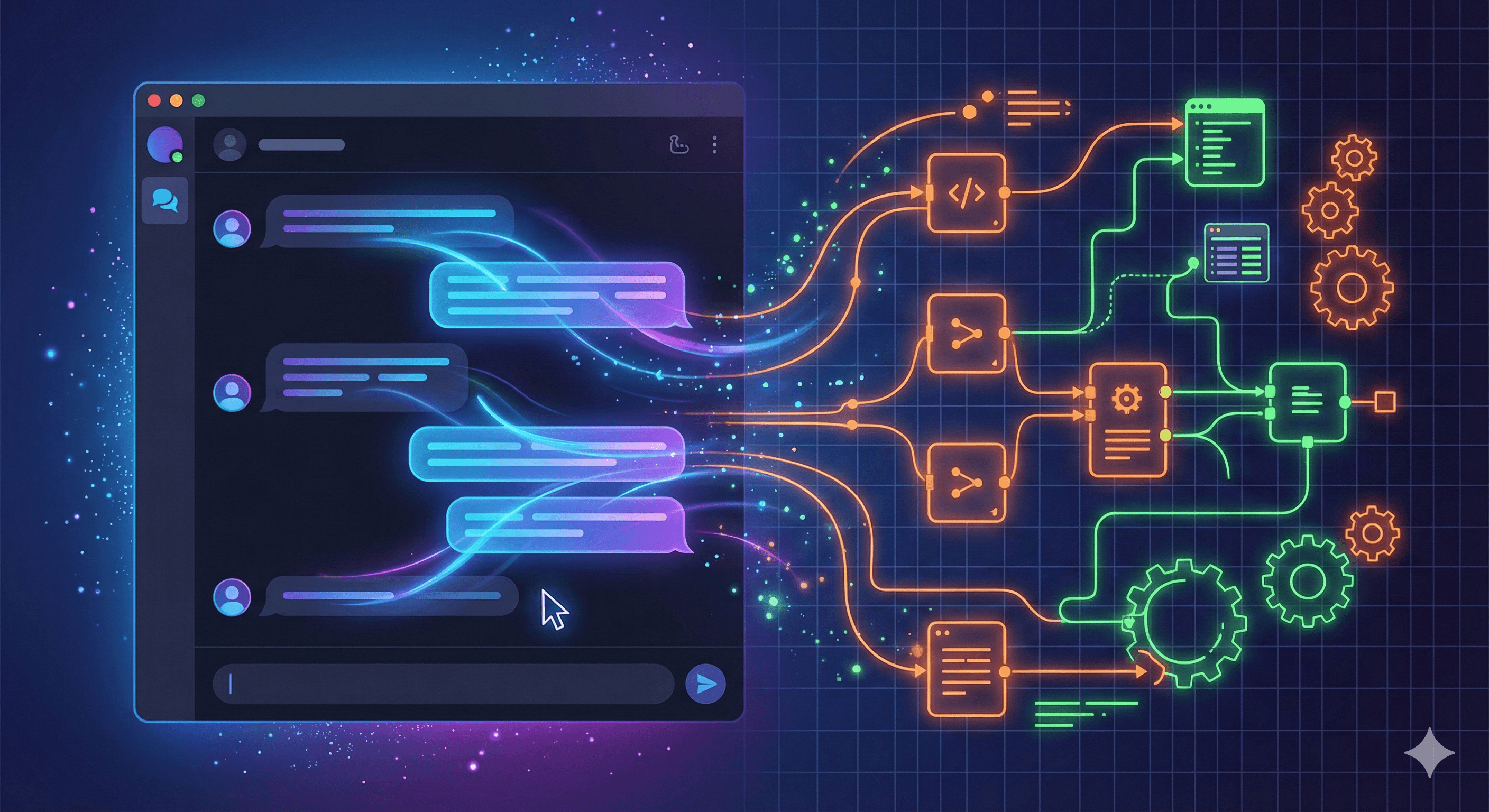
At its core it combines three things: a conversational interface (phone, WhatsApp, website chatbot), a connection to your calendar (Google Calendar, Outlook, or a scheduling tool), and a set of rules or a language model that decides which questions to ask and what action follows.
A customer might type or say "I'd like an appointment next Tuesday." The agent checks real availability, proposes a few concrete time slots, processes the choice and books the appointment immediately. No manual handling, no duplicate entry, no forgotten callback note.
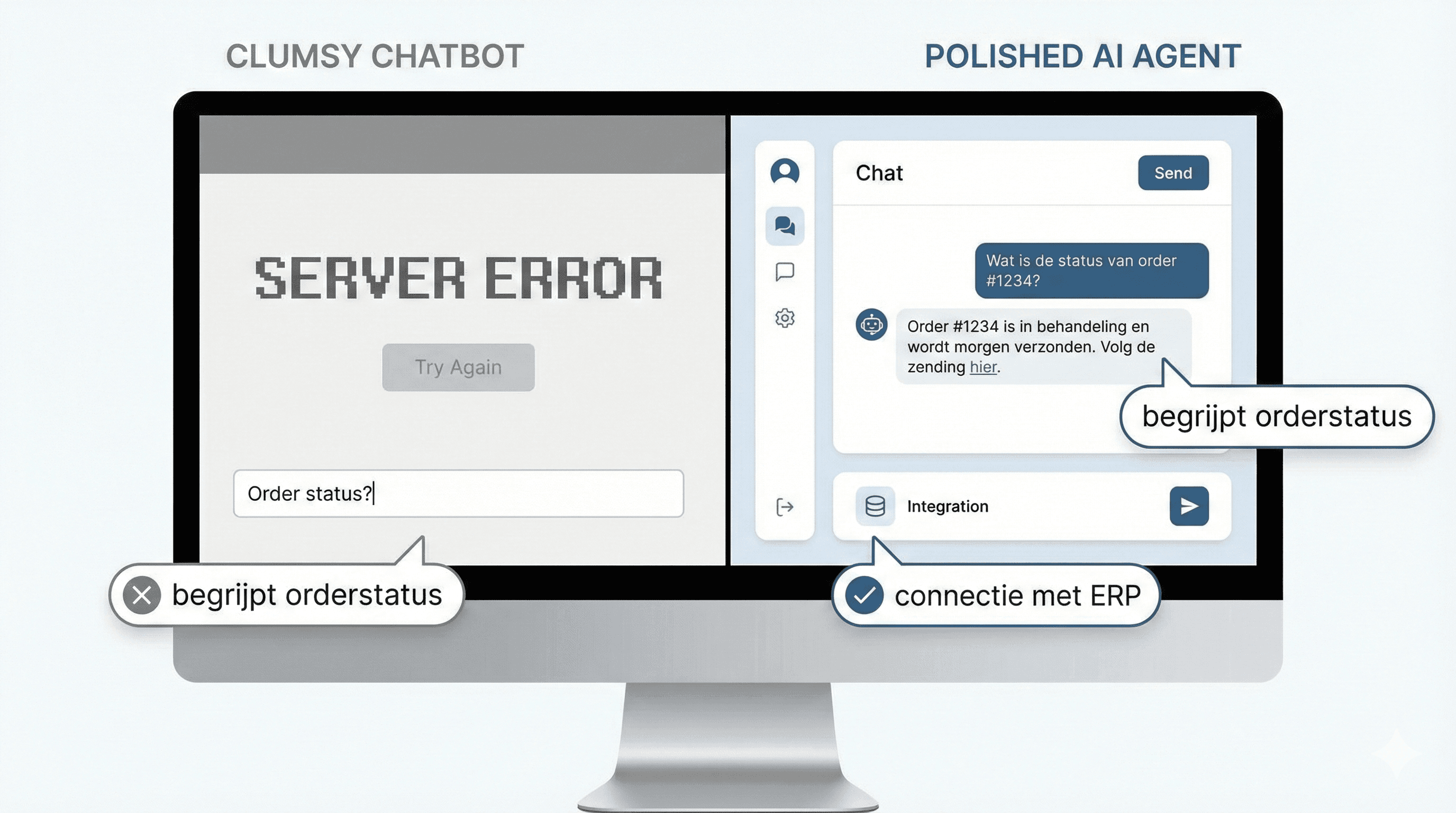
Key point: the difference between a simple booking link (like Calendly) and an AI agent is in the conversation itself. A booking link lets the customer search a calendar themselves; an AI agent asks questions, reasons along, and handles the whole flow, including over the phone or WhatsApp where a booking link simply doesn't work.
6 concrete use cases for SMEs
The examples below translate directly to the daily practice of a salon, clinic, garage or consultancy.
1. Phone intake that lands directly in the calendar
A voice agent answers the phone, recognizes the request ("I'd like to book a haircut"), asks a couple of intake questions and books the appointment right away. Tools like Cal.ai (part of Cal.com) show this already works well, billed per call minute.
2. WhatsApp booking for customers who prefer not to call
Many customers, especially younger ones, would rather not pick up the phone. An AI agent that takes bookings through the WhatsApp Business API fits how people already communicate. The customer sends a message, gets available times back, and confirms with a single tap.
3. Automatic no-show reminders and rescheduling
24 hours and 2 hours before the appointment, the agent sends a reminder via WhatsApp or SMS, with a direct "reschedule" button. A customer who can't make it doesn't need to call to cancel; they can simply tap through to a new time.
4. Pre-appointment intake questions for better preparation
For a physiotherapist or consultancy, it's valuable to know in advance what an appointment is about. The agent asks 2-3 targeted questions when booking (complaint, goal of the conversation, morning/afternoon preference) and puts the answer in the calendar note, so the practitioner or advisor arrives prepared.
5. Connection to Google Calendar or Outlook, without double bookings
The agent checks the existing calendar in real time (including private appointments, other customer bookings and blocks like lunch or travel time) before offering a time slot. That prevents the classic error of two customers on the same slot.
6. Salons, clinics or consultancies with multiple staff
With multiple practitioners or advisors who each have their own calendar and specialism, the agent can automatically pick the right person and time slot based on the type of appointment, instead of a receptionist having to figure it out manually.
Approach and implementation: which stack fits your business?
Not every business needs the same solution. The table below gives a rough breakdown.
| Level | What it is | Suited for |
|---|---|---|
| Booking link (Calendly, Cal.com) | Customer picks a slot from a shared calendar | Low appointment volume, simple services |
| Chatbot/WhatsApp agent | Conversation + calendar link, no phone needed | Salons, clinics, consultancies with recurring appointments |
| Voice agent (phone) | AI answers calls, books and reminds | Businesses with heavy phone traffic, limited front-desk capacity |
| Custom agent with CRM integration | Full integration with CRM, multiple calendars, intake questions | Larger practices, multiple locations or practitioners |
The technical building blocks are usually: a language model for the conversation, a connection to Google Calendar or Outlook via their official APIs, and a channel (telephony, WhatsApp Business API or chat widget). A good first step is a conversation with an AI advisor who maps out which approach fits your practice, or explore the possibilities of AI agents more broadly.
Privacy and GDPR: what to watch for in calendar management
Appointment data is often personal data, and at a clinic or physiotherapist practice it can even be special category data (health information). That means an AI scheduling agent is not separate from GDPR obligations.
Concretely, this means in practice:
- Sign a data processing agreement with every party that processes customer data (agent vendor, WhatsApp Business provider, calendar provider).
- Define and document a retention period for conversation history and intake answers, and delete data that is no longer needed.
- Make sure sensitive intake information (for example medical complaints) doesn't stay in chat logs longer than necessary or get forwarded to systems that don't need it.
- Preferably choose a vendor that processes data within the EU, or one that clearly explains how international data transfer is arranged.
- Briefly inform customers about the use of an AI agent when booking an appointment, especially if conversation data is retained.
This is a topic many booking software vendors barely mention in their marketing, while it is genuinely relevant for a clinic or consultancy handling confidential customer information.
What does an AI scheduling agent cost?
Prices vary widely with complexity. The figures below are indications, not a quote.
- Simple booking-link tool (Calendly-style): €10-30 per month per user.
- Chatbot/WhatsApp agent with calendar integration: one-time setup from €1,500-4,000, plus a monthly management fee.
- Voice agent (phone-based AI): usage based on call minutes, comparable to the €0.20-0.30 per minute some international vendors charge, plus setup costs.
- Custom agent with CRM integration and multiple calendars: from €4,000-10,000 in setup, depending on the number of integrations and practitioners.
Read more about the broader cost structure of AI agents in what does an AI agent cost. For a concrete estimate based on your situation, a free AI scan is the fastest way to see where the biggest time savings lie.
When an AI scheduling agent doesn't (yet) pay off
Not every business benefits immediately. With a handful of appointments per week, for example a sole trader with 5-10 customer contacts weekly, the setup and maintenance often don't outweigh the time saved. A simple booking link or a well-organized calendar with fixed blocks is usually enough.
Also, if the type of appointment varies a lot and requires extensive custom discussion (for example complex advisory conversations where it isn't yet clear what exactly will be discussed), a fully automated intake is less suitable. In those cases a short phone call is often still the fastest route.
Expert tip: start by automating the most repetitive part of your scheduling (for example standard follow-up appointments or first introductions), rather than replacing the entire process at once. That way you quickly see whether the approach works before investing further.
How UnifyAI helps
At UnifyAI we first look at the actual appointment process before proposing a tool: how many appointments per week, which channel most requests come through, and which calendars and systems need to be connected. From AI consultancy we then build the agent that fits that situation, from a simple WhatsApp flow to a fully integrated voice agent with CRM integration.
For businesses that want to see where the biggest time savings are before investing, the examples in 5 processes SMEs automate with AI agents are also a good starting point.
Frequently asked questions
Does an AI agent work with my existing Google Calendar or Outlook?
Yes. Most AI agents connect through the official Google Calendar or Microsoft Outlook API, so existing appointments stay visible and no double bookings occur. The agent reads real availability and writes new appointments directly back into the calendar you already use.
Can this also work through WhatsApp, or only phone and website chat?
Scheduling appointments via WhatsApp is possible through the official WhatsApp Business API. For many Dutch SMEs this is actually the most-used channel, since customers are already used to sending messages there instead of calling or emailing.
Is this safe for customer data, especially at a clinic or practice?
That depends on how it's set up. Important elements are a data processing agreement with every vendor involved, a clear retention period for conversation data, and limiting sensitive information in chat logs. Health-related intake requires extra care because of GDPR rules around special category data.
Doesn't an AI agent feel impersonal to customers?
That depends heavily on the execution. A well-configured agent asks targeted questions, responds in the company's tone of voice and gives clear confirmations, which customers often experience as faster and more pleasant than waiting long for a callback. For sensitive or complex conversations, a human staff member remains available as a safety net.
What does it cost to get started with an AI scheduling agent?
That varies by approach: a simple chatbot integration starts at a few thousand euros in setup, a full voice agent with CRM integration is higher. See the cost overview above for an indication, or request a concrete tailored estimate.
Next step
Curious how much time an AI scheduling agent could concretely save your business? Take the free AI scan to see where the biggest opportunities lie, or schedule a no-obligation conversation via contact to discuss which approach fits your practice.
Veelgestelde vragen
Korte, heldere antwoorden die je helpen sneller beslissen.
Does an AI agent work with my existing Google Calendar or Outlook?
Yes. Most AI agents connect through the official Google Calendar or Microsoft Outlook API, so existing appointments stay visible and no double bookings occur. The agent reads real availability and writes new appointments directly back into the calendar you already use.
Can this also work through WhatsApp, or only phone and website chat?
Scheduling appointments via WhatsApp is possible through the official WhatsApp Business API. For many Dutch SMEs this is actually the most-used channel, since customers are already used to sending messages there instead of calling or emailing.
Is this safe for customer data, especially at a clinic or practice?
That depends on how it's set up. Important elements are a data processing agreement with every vendor involved, a clear retention period for conversation data, and limiting sensitive information in chat logs. Health-related intake requires extra care because of GDPR rules around special category data.
Doesn't an AI agent feel impersonal to customers?
That depends heavily on the execution. A well-configured agent asks targeted questions, responds in the company's tone of voice and gives clear confirmations, which customers often experience as faster and more pleasant than waiting long for a callback. For sensitive or complex conversations, a human staff member remains available as a safety net.
What does it cost to get started with an AI scheduling agent?
That varies by approach: a simple chatbot integration starts at a few thousand euros in setup, a full voice agent with CRM integration is higher. See the cost overview in the article for an indication, or request a concrete tailored estimate.