AI Agent for WhatsApp: Smarter Customer Contact for SMEs
 Erwin Berkouwer
This article explains how an AI agent on WhatsApp Business automates concrete SME processes like order status, appointments, and lead qualification, including implementation choices, GDPR considerations, and cost indications.
WhatsApp is the most popular customer contact channel, but it overwhelms SME teams with repeat questions. An AI agent handles order status, appointments, and FAQs on its own.
Why customer contact via WhatsApp is a challenge for SMEs
WhatsApp is the most popular channel in the Netherlands for talking to businesses. Customers expect a fast reply, even in the evening or on weekends. For a small team, keeping up with that is hard.
Many questions are also repetitive: "What are your opening hours?", "Where is my order?" or "Can I reschedule my appointment?". These questions take time but add little value when a team member answers them manually over and over.
The result: messages pile up, customers wait hours or days for a response, and the owner or team gets buried in simple questions while more complex matters are left unattended. An AI agent can break this pattern by handling most of the traffic independently.
What an AI agent on WhatsApp actually does
An AI agent on WhatsApp reads incoming messages, understands the customer's intent, and responds directly with a relevant answer. That could be a simple fact (opening hours), but also an action: scheduling an appointment, looking up an order status in a system, or qualifying a lead before a salesperson gets involved.
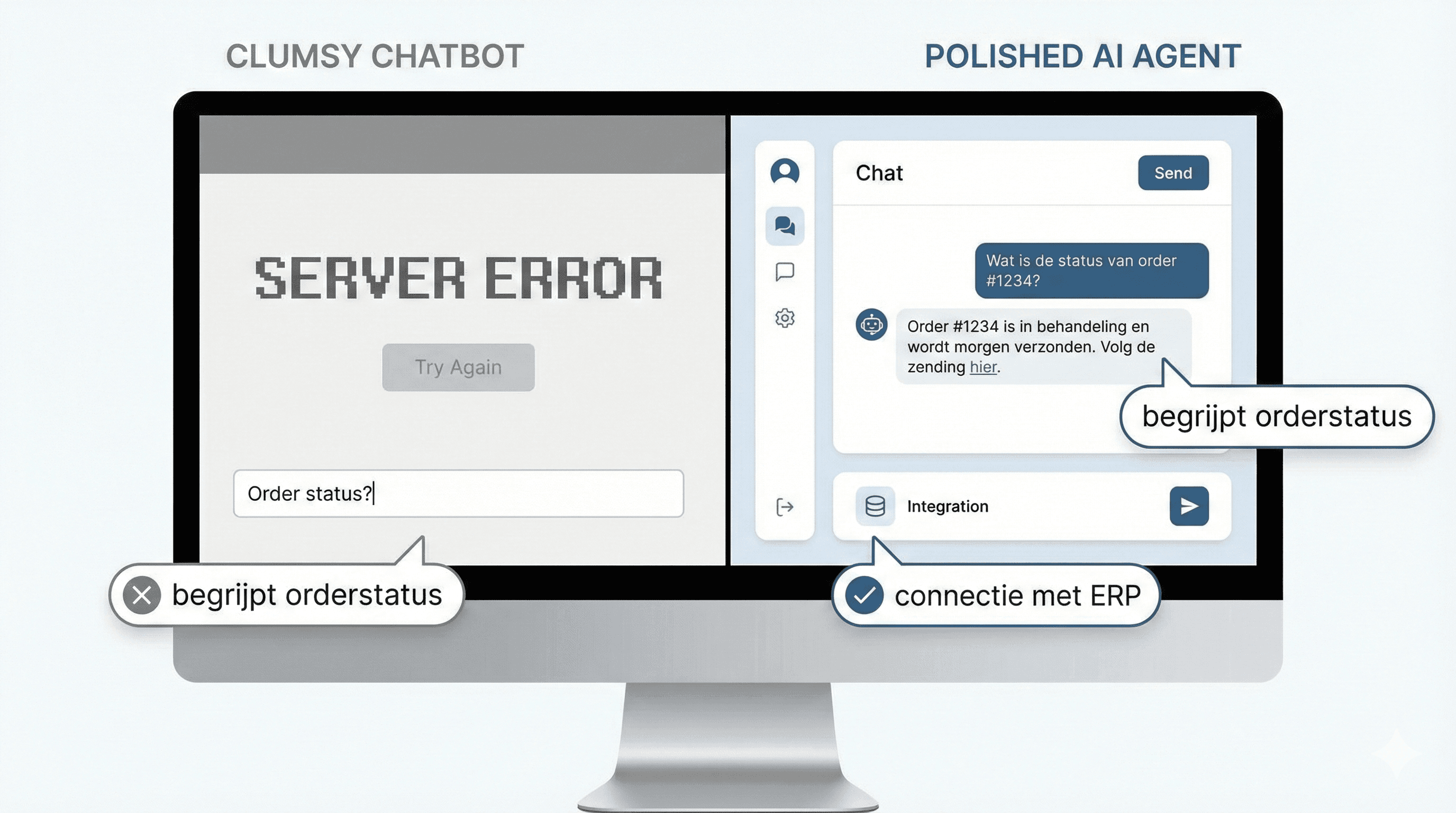
The difference with the standard WhatsApp Business app is that an AI agent is connected to business data: a product catalog, a CRM, a booking system, or a knowledge base of frequently asked questions. That way the agent doesn't answer generically, but with current, business-specific information.
Meta itself rolled out its "Meta Business Agent" globally this year: a native AI layer on top of WhatsApp Business that learns from past chats, a product catalog, and the business's website. For SMEs with simple questions this can be a starting point, but for connections to a Dutch CRM or ERP system, a separate integration via the WhatsApp Business Platform (API) is usually needed.
Expert tip: always make clear to the customer that they're talking to an automated assistant, and build in an explicit handoff to a human in case of doubt, a complaint, or a sensitive topic.
Concrete use cases for SMEs
An AI agent on WhatsApp delivers the most value for questions that occur often and can be well structured. Think of:
- Opening hours and location - instant answer, no waiting, even outside office hours.
- Order status and shipping information - the agent connects to the order management system and reports where a package is.
- Scheduling or rescheduling appointments - integration with a calendar or booking system, including automatic confirmation.
- FAQ and product questions - answers based on a knowledge base or product catalog, including prices and stock.
- Lead qualification - the agent asks a few targeted questions (budget, need, timing) before a salesperson is brought in.
- Return requests - the agent starts the return process, sends a label or instructions, and flags when a human is needed.
For a webshop, order status is often the biggest time saver. For a service business (hairdresser, physiotherapist, garage), scheduling and rescheduling appointments is usually the first use case worth pursuing.
Implementation: WhatsApp Business app versus WhatsApp Business Platform
The free WhatsApp Business app works well for a sole trader with limited volume. As soon as a business wants to connect to a CRM, have multiple team members work simultaneously, or needs automation, the WhatsApp Business Platform (formerly "the API") is the right route.
Access to this Platform runs through Meta directly or through a Business Solution Provider (BSP), such as 360dialog, Twilio, or Zenvia. A BSP arranges the technical setup, message templates, and often a dashboard, for a fixed monthly fee on top of Meta's per-conversation costs.
Integration with CRM and business software
The real value of an AI agent only emerges once it's connected to the systems a business already uses. Think of a connection with Exact Online for order status and invoicing, with AFAS for HR or timesheet questions from employees, or with HubSpot for automatically creating and following up on leads from WhatsApp conversations.
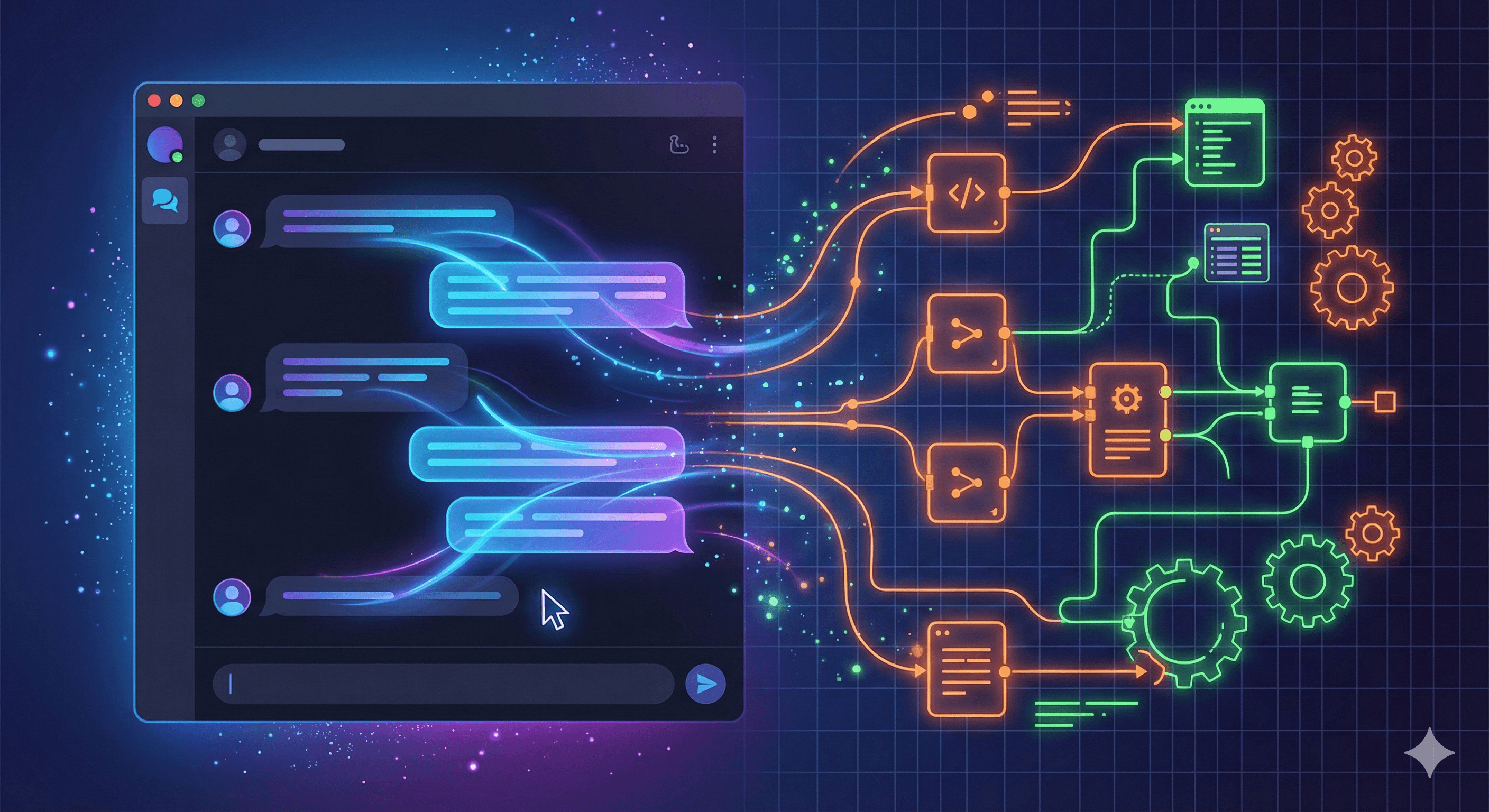
These integrations usually run via APIs or via a middleware layer that connects the AI agent, the CRM, and WhatsApp. Good preparation of data structure and authorization is at least as important as the AI itself.
Privacy and GDPR
WhatsApp messages quickly contain personal data: name, phone number, order history, sometimes address or payment details. Under GDPR, a business needs a legal basis for this and must sign a data processing agreement with every party that processes the data, including Meta itself and any BSP or AI vendor.
Key points to check are: data storage location (where are the conversations stored, how long are they kept), consent for automated processing, and a clear process for deleting data on a customer's request. For businesses handling sensitive data (healthcare, finance), an additional risk assessment (DPIA) is often required.
Costs of an AI agent on WhatsApp
Costs typically consist of three layers: Meta's per-conversation costs (conversation-based pricing), an optional BSP fee, and the cost of the AI agent and its integrations. The table below gives an indication of the cost structure; exact rates differ per vendor and country and change regularly.
| Component | What it covers | Indication |
|---|---|---|
| Meta conversation cost | Per opened conversation (service, marketing, or utility) | a few cents to a few euros per conversation |
| BSP subscription | Access, dashboard, template management | tens to a few hundred euros per month |
| AI agent + integrations | Build, CRM connection, maintenance | a few thousand euros one-time, plus monthly maintenance |
| Meta Business Agent (native) | Token-based for larger volumes | depends on usage, pricing model still rolling out |
Expert tip: start with one concrete use case (such as order status) and measure the impact before investing in a full AI agent with multiple integrations.
A realistic estimate of payback time depends heavily on the number of WhatsApp conversations per month and the complexity of the integrations. See also what an AI agent costs in general for a broader cost overview.
When it (still) isn't worth it
For a business with only a handful of WhatsApp messages per day, investing in a full AI agent with CRM integration usually doesn't outweigh the time saved. The free WhatsApp Business app with fixed replies and a well-organized FAQ is often sufficient in that case.
The value of automation is also limited with highly varied, unique customer questions (custom advice, complex technical issues): the agent will have to hand off many cases to a human, which lowers the return. In those situations it's smarter to first look at other processes better suited for automation, and add WhatsApp automation later.
A practical example: from question to answer
Say a customer sends "Where is my order #4521?" The AI agent recognizes the order number, looks up the status in the order management system (for example connected to Exact Online), and sends a reply within seconds with the expected delivery time and tracking link. Only if the order has a problem (delay, damage) does the agent hand off to a team member with the full conversation context.
This type of flow is the starting point for most SME implementations: clearly scoped, measurable, and with a clear fallback to a human. A second common example is a physiotherapy practice where a customer messages: "Can I reschedule my Thursday appointment?" The agent checks the calendar, proposes two alternative times, and confirms immediately once the customer picks one, without a receptionist needing to step in.
How to set up a pilot
Most SMEs don't start with a full rollout, but with a scoped pilot. That limits risk and makes the impact measurable before investing further.
A pilot usually consists of the following steps:
- Pick one use case with high volume and low complexity, such as order status or opening hours.
- Determine which data source the agent needs (CRM, order management system, knowledge base) and arrange the integration.
- Set clear boundaries: which questions may the agent handle independently, and when should a human step in.
- Test the agent internally with real historical conversations before it goes live.
- After two to four weeks, measure the percentage of automatically handled conversations and customer satisfaction.
Based on that measurement, a business expands the agent step by step to more use cases, such as lead qualification or return requests.
Risks and points of attention
Besides GDPR, there are a few practical risks worth considering. An AI agent that answers too confidently on a question it isn't actually sure about can create wrong expectations for a customer, for example about delivery times or warranty terms.
There's also the risk of "template exhaustion": WhatsApp requires pre-approved templates for certain messages sent outside the 24-hour service window. An agent that doesn't account for this may try to send messages that Meta rejects. A good implementation takes this into account from the start, along with clear escalation rules to a team member.
How UnifyAI helps
At UnifyAI we build AI agents on WhatsApp that connect to the systems a business already uses, from Exact Online to HubSpot, with attention to GDPR and a clear handoff to humans where needed. Our AI consultancy helps determine the right use case first, before anything gets built.
Curious whether WhatsApp automation would pay off for your business? Take the free AI scan or schedule a no-obligation conversation via contact.
Frequently asked questions
Can I connect an AI agent to my existing WhatsApp Business number?
Yes, in most cases an existing number can be migrated to the WhatsApp Business Platform, provided the number isn't already active in the regular Business app on a phone. A BSP usually guides this migration.
Does this also work for a small business with one employee?
Yes, but the investment is often only worthwhile above a certain message volume. For small volumes, the free WhatsApp Business app with fast standard replies is often a better starting point.
Is an AI agent on WhatsApp GDPR-compliant?
That depends on the setup. Make sure you have data processing agreements with all involved parties, clear retention periods, and a process for customer data requests. When in doubt, have this reviewed by a privacy specialist.
Can the AI agent also respond in English or other languages?
Yes, most AI agents support multilingual conversations and automatically detect the customer's language, provided the underlying knowledge base is also available in those languages.
What happens if the AI agent can't answer a question?
A well-configured agent recognizes uncertainty and hands off the conversation to a team member, including the full conversation history, so the customer doesn't have to explain the situation again.
Veelgestelde vragen
Korte, heldere antwoorden die je helpen sneller beslissen.
Can I connect an AI agent to my existing WhatsApp Business number?
Yes, in most cases an existing number can be migrated to the WhatsApp Business Platform, provided the number isn't already active in the regular Business app on a phone. A BSP usually guides this migration.
Does this also work for a small business with one employee?
Yes, but the investment is often only worthwhile above a certain message volume. For small volumes, the free WhatsApp Business app with fast standard replies is often a better starting point.
Is an AI agent on WhatsApp GDPR-compliant?
That depends on the setup. Make sure you have data processing agreements with all involved parties, clear retention periods, and a process for customer data requests. When in doubt, have this reviewed by a privacy specialist.
Can the AI agent also respond in English or other languages?
Yes, most AI agents support multilingual conversations and automatically detect the customer's language, provided the underlying knowledge base is also available in those languages.
What happens if the AI agent can't answer a question?
A well-configured agent recognizes uncertainty and hands off the conversation to a team member, including the full conversation history, so the customer doesn't have to explain the situation again.